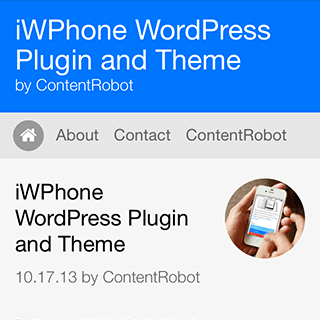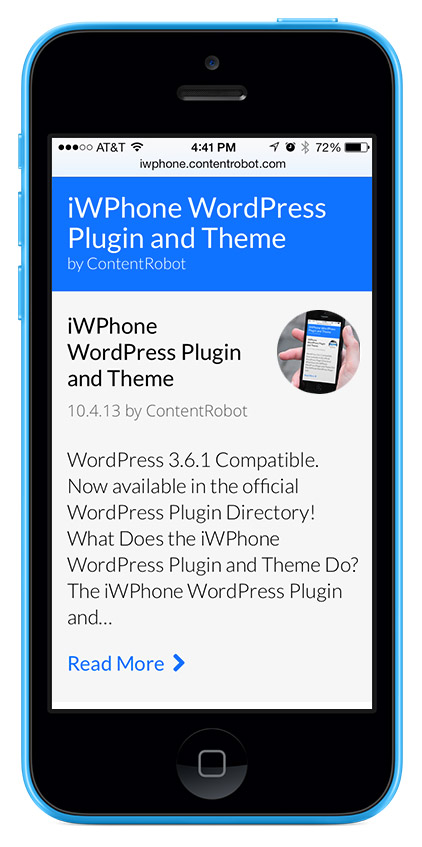
New theme design to complement iOS 7!
You can grab the latest version of the plugin from the official WordPress plugin directory.
What Does the iWPhone WordPress Plugin and Theme Do?
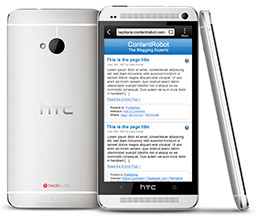
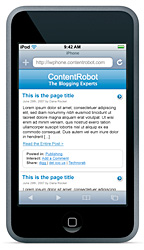
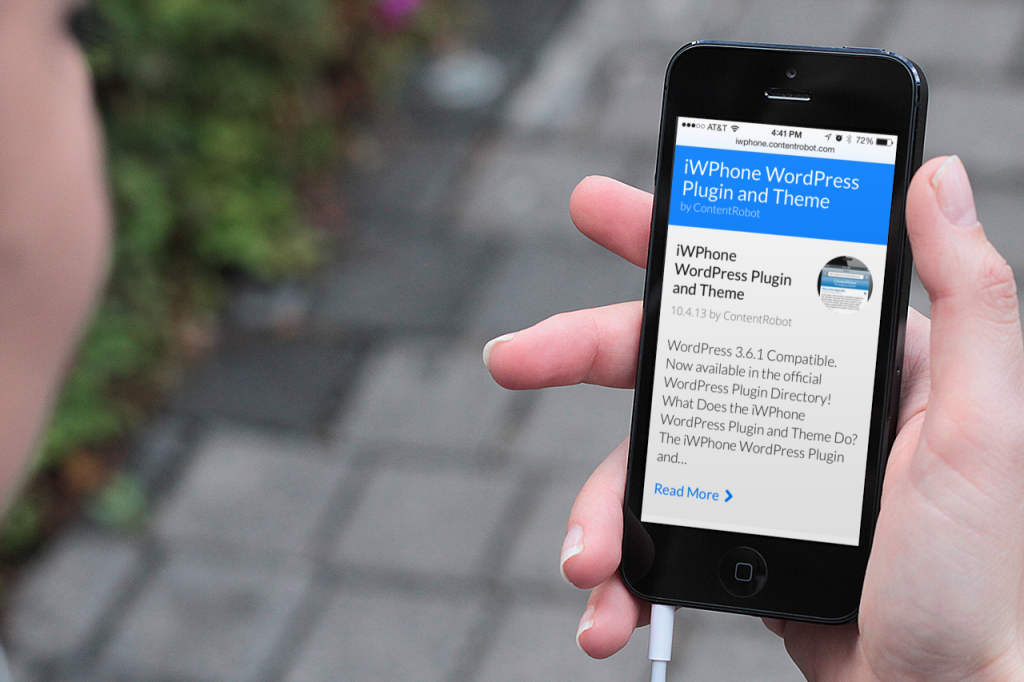
The iWPhone WordPress Plugin and Theme automatically reformats your blog’s content for optimized viewing on Apple’s iPhone and iPod touch (Android phones too.) It detects the iPhone/iPod touch’s User Agent and serves up the content with the special theme only to iPhone and iPod touch visitors, all other browsers will view your WordPress blog with your current theme.
Why Would I Want to Use This Plugin?
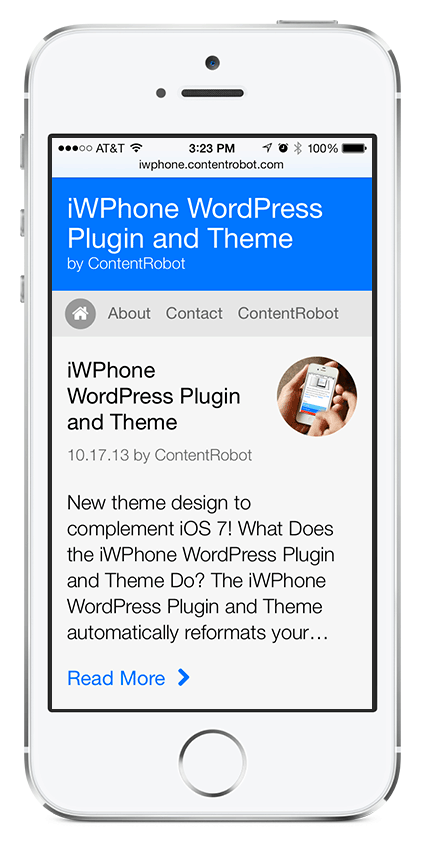
While the iPhone and iPod touch do an amazing job of displaying web pages the way they were designed to be seen, often visitors want quick access to your website’s content. The “iWPhone WordPress Plugin and Theme” displays an optimized version of your blog’s content, formatted perfectly to fit the iPhone/iPod touch’s screen – no zooming in to read the content is necessary.
Feature List
- New iOS7 inspired design – Read all about the new design here.
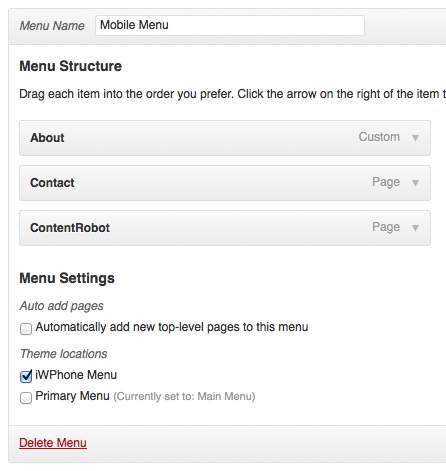
- Native WordPress menu support NEW!
- Formats your blog content for optimized viewing on the iPhone and iPod touch. Also works for Android phones too.
- Automatically detects the iPhone/iPod touch’s Safari browser and only displays the custom theme to iPhone and iPod touch visitors, other visitors get your standard theme.
- Simple iPhone/iPod-like theme with common interface elements that complements the iPhone/iPod touch’s internal applications.
- Images larger then 300 pixels wide are automatically scaled down to fit the iPhone/iPod touch optimized width.
Demo Sites
You can view screenshots here.
Point your iPhone/iPod touch’s Safari browser at our site https://iwphone.contentrobot.com/ or http://www.grokdotcom.com/ to see it in action.
Will it Work on My WordPress blog?
The current version has been tested with WordPress 2.9 – 3.6.1
Requirements
- WordPress 2.9 – 3.6.1
- An iPhone, iPod touch or Android phone (for viewing)
Installation from the WordPress Dashboard
- In the WordPress dashboard navigate to Plugins > Add New
- In the search field enter “iWPhone” and hit “Search Plugins”
- Click the “Install Now” link next to the iWPhone listing and then activate the plugin via the “Activate Plugin” link
- You will need to download the iWPhone theme separately and also install that now – use this link to download the theme zip file
- Back in the WordPress dashboard navigate to Appearance > Themes and click the “Install Themes” tab
- Click the “Upload” link and then click the “Browse…” button. Locate the downloaded zip file called “iwphone-by-contentrobot.zip” and then click the “install Now” button. DO NOT activate the theme.
- Launch your web browser on an iPhone, iPod touch (or Android phone) and enter your blog’s URL, and you should now see your content in the iPhone/iPod touch-optimized theme.
FTP Installation
- Download the iWPhone WordPress Plugin and Theme zip file from the WordPress Plugin Directory.
- Expand the files from the zip.
- Locate the file “iwphone.php” and upload it into your wp-content/plugins/ directory.
- Locate and upload the entire folder named “iwphone-by-contentrobot” into your wp-content/themes/ directory.
- Go to your WordPress dashboard and click on Plugins and activate the plugin called “iWPhone”. DO NOT make the iWPhone-by-ContentRobot theme the active theme under Appearance > Themes.
- Launch your web browser on an iPhone, iPod touch (or Android phone) and enter your blog’s URL, and you should now see your content in the iPhone/iPod touch-optimized theme.
Version History
- Version 0.3: Added native WordPress menu support (iWPhone Menu)
- Version 0.2:
- Completely new theme design to compliment iOS 7!
- New featured image support
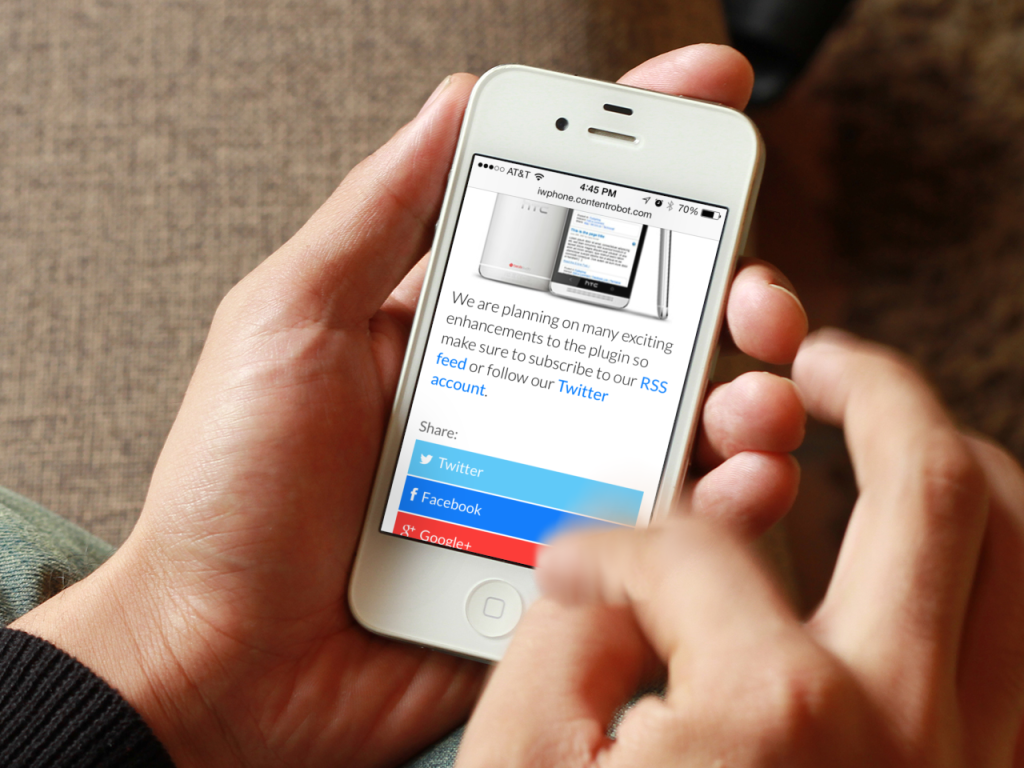
- Updated sharing options (Twitter/Facebook/Google+/LinkedIn)
- Redesigned comments with Avatar support
- Sticky Post support
- Version 0.1.4: Now displays the iWPhone theme for Android devices also
- Version 0.1.3: Update to prevent long URLs from pushing pages wider
- Version 0.1.2: Update to support iPod touch
- Version 0.1.1: Viewport update to allow zooming
- Version 0.1: Initial Release
Known Issues
- Not compatible with wp-cache. FIXED!
- Long URLs in posts will push pages wider then the iPhone/iPod touch optimized width. FIXED!
Bugs/Comments
Please submit bugs or general comments via our contact form.
Note: This 3rd party plugin was not created by or is in any way affiliated with Apple Inc.